
E4d cad cam system
An E4D CAD/CAM system is a digital dental workflow that scans a prepared tooth, designs a restoration on a computer, and mills it from a ceramic block.
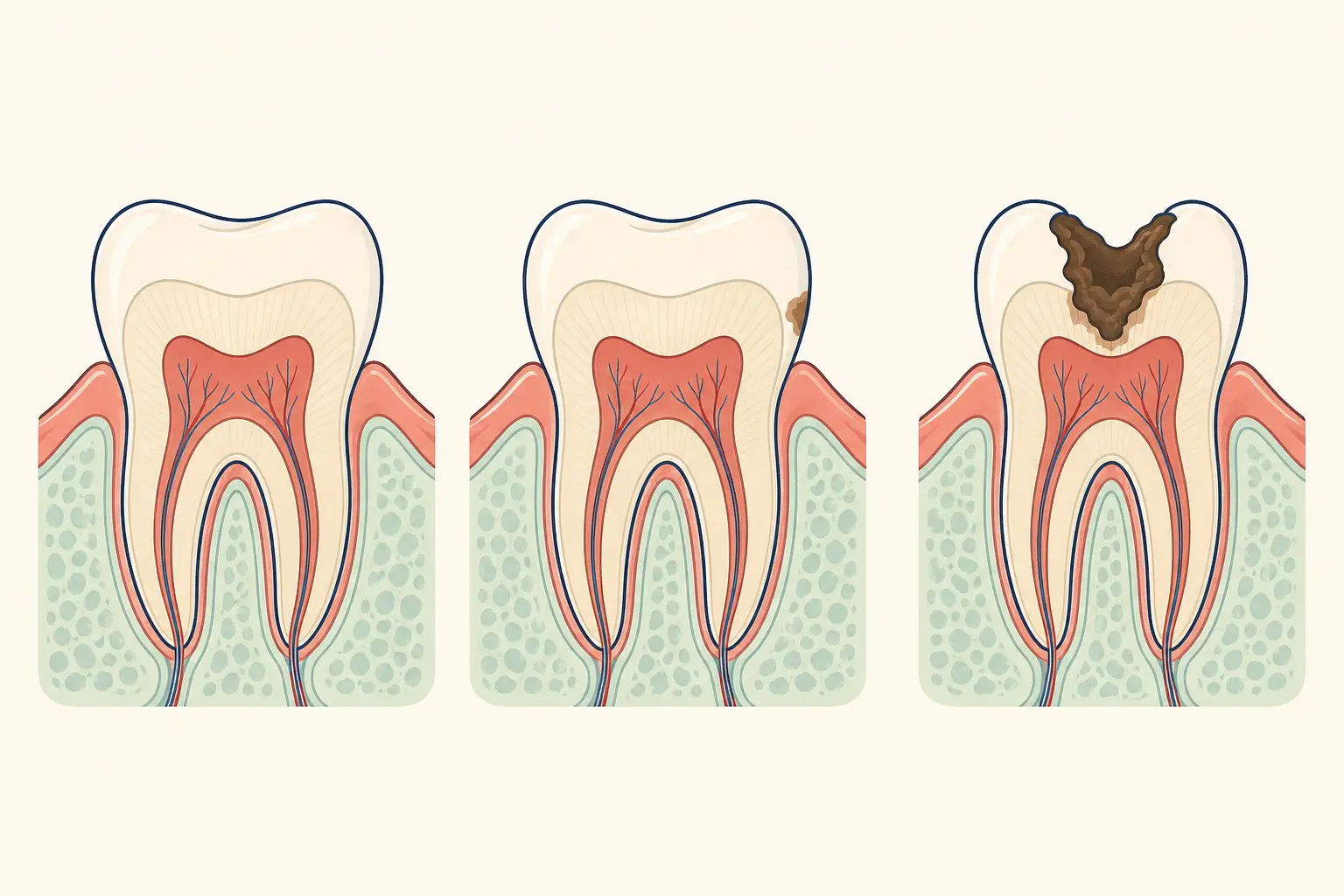
How does an E4D CAD/CAM dental system work?
An E4D CAD/CAM system is a digital dental workflow that scans a prepared tooth, designs a restoration on a computer, and mills it from a ceramic block.
What do CAD and CAM mean in digital dentistry?
CAD means computer-aided design and CAM means computer-aided manufacturing. The scanner captures the tooth preparation and bite, software designs the crown, inlay, onlay, or veneer, and a milling unit shapes the selected material.
What happens during an E4D restoration workflow?
The dentist evaluates the tooth, prepares it, records the digital scan, checks the virtual design, mills and finishes the restoration, then verifies fit, contacts, bite, shade, and bonding conditions before placement.
When does an E4D restoration need dental review?
A restoration needs review if it feels high when biting, traps food, becomes loose, develops a sharp edge, or causes persistent sensitivity or pain.
What should you ask about your digital restoration?
Ask which restoration and ceramic are suitable, whether the case will be completed in one visit, how the bite will be checked, and how the restoration will be bonded.
Frequently asked questions
Is E4D the same as a dental crown?
No. E4D is the digital design and manufacturing system; it can produce several types of indirect restorations.
Does every case suit chairside milling?
No. The tooth, margin, material, bite, aesthetics, and laboratory requirements determine the appropriate workflow.
Who wrote this page
This library is published by Dental Nation, a licensed dental group practising in the United Arab Emirates. Pages are written and overseen by the same clinical team that treats patients in our clinics, and are held to a fixed editorial standard for safety and accuracy.
This page is patient education, not medical advice, and cannot replace an examination. Anything urgent — facial swelling, trauma, uncontrolled bleeding or severe pain — needs a dentist or emergency care now.