
The use of cad cam in dentistry
CAD/CAM in dentistry uses digital scanning, computer design, and computer-guided milling or printing to plan and make restorations and appliances.
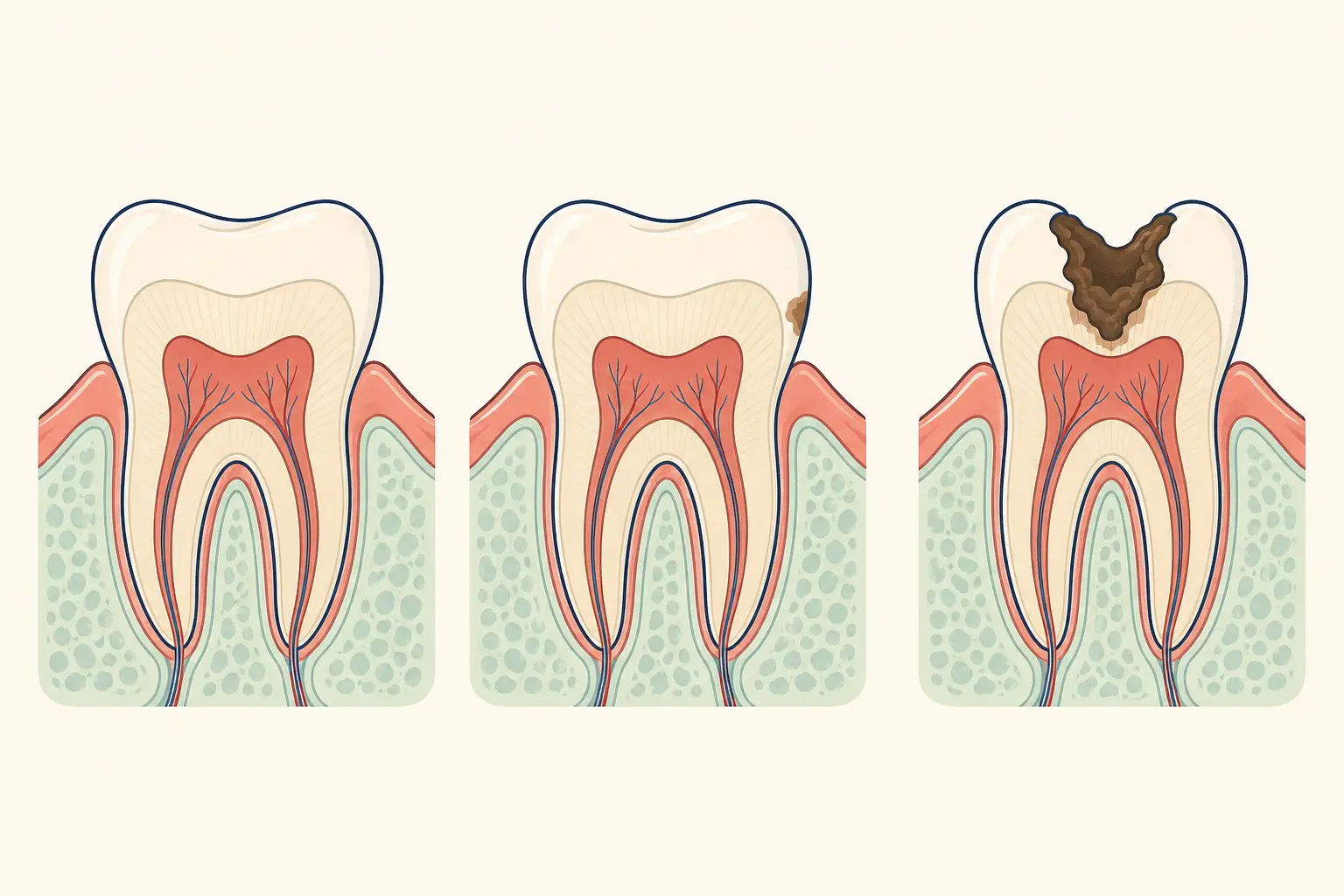
What is the direct answer?
CAD/CAM in dentistry uses digital scanning, computer design, and computer-guided milling or printing to plan and make restorations and appliances.
What does this question mean?
CAD means computer-aided design and CAM means computer-aided manufacturing. An intraoral scanner or laboratory scan captures a three-dimensional digital model, software designs the restoration, and a milling unit or printer produces it from a dental material such as ceramic, composite, resin, or metal.
What can you do next?
CAD/CAM can support crowns, inlays, onlays, veneers, bridges, implant guides, dentures, orthodontic appliances, and provisional restorations. The result still depends on the diagnosis, tooth preparation, bite record, material selection, software design, machine calibration, finishing, and clinical fitting.
When should you seek dental care?
The clinical workflow may include examination, shade and bite assessment, tooth preparation, digital scanning, virtual design, manufacturing, finishing, try-in, adjustment, and bonding or cementation. Ask whether the work is made chairside or by a laboratory and how the fit will be checked.
What should you ask the dentist?
Seek dental care when a restoration is fractured, painful, loose, or trapping food, because digital manufacturing does not replace examination of the tooth, pulp, gums, or bite. A dentist should assess whether repair, replacement, or treatment underneath is needed.
Frequently asked questions
Can I manage this without professional care?
The clinical workflow may include examination, shade and bite assessment, tooth preparation, digital scanning, virtual design, manufacturing, finishing, try-in, adjustment, and bonding or cementation.
What warning sign should I watch for?
Seek dental care when a restoration is fractured, painful, loose, or trapping food, because digital manufacturing does not replace examination of the tooth, pulp, gums, or bite.